Shopify shipped more than 150 updates in its Fall ’26 Edition. Most are welcome improvements. Four of them will change how enterprise brands sell and how they protect revenue in the year ahead.
Our team went through the full release with our clients in mind. Here is what we’re asking them to act on now, along with a quick look at the rest of the release and the dates to put on your calendar.
1. AI shopping keeps growing
Shop Pay now completes checkout inside more AI agents. Shopify reports more than 1 billion products discoverable across AI channels (Shopify Fall ’26 Edition). That reach only pays off if agents describe your store accurately.
Agentic was the biggest theme in the release, and Shopify shows no sign of slowing down there. Jess Erthal, Sr. Commerce Strategist at CQL, advises clients to turn on agentic channels when they align with business goals. “It’s a great channel for gaining incremental revenue,” she says.
That revenue depends on agents being able to read your catalog. The knowledge base used to be a separate app. It now lives under Agentic, and Shopify keeps building on it so catalogs stay AI-readable. Two areas of the admin shape what agents say about your brand and how your products appear.
- Publish your knowledge base. Under Agentic > Knowledge base, Shopify builds facts about your store from your site, such as your description and policies. Review each fact and publish the ones that are correct.
- Vet suggested updates. Shopify also proposes clearer versions of your policies and FAQs. Check every suggestion against your actual policy before applying it, and request a rescan after major site changes.
- Map your catalog. In Agentic > Sources > Shopify Catalog > Channel mapping, choose which product data feeds Shopify Catalog and preview how listings will look. Send compare-at prices so agents can show sale pricing.
One more tip. Write sizing, care, and variant names in plain language. Agents read “black” and “small” clearly. They stumble on “blk” and “sml.”
2. Rollouts put your biggest moments on one schedule
Anyone who has run a holiday promotion knows the drill. Theme changes go up at one time and discounts at another, while someone stays late to make sure catalog pricing lands. When the sale ends, the whole thing gets unwound by hand.
Rollouts fix that. They sit inside Markets and let you group theme, checkout, catalog, and discount changes into one release with one go-live time.
If your team has used Launchpad to schedule themes, the idea will feel familiar. Rollouts go much further. “What’s really great about rollouts is you can package up a bunch of different items together,” Jess explains. Themes, price changes, discounts, and checkout updates now ship as one native event.
Pick the type that fits the moment. A launch goes live on schedule and stays live, which makes sense for a new collection, a seasonal refresh, or a permanent price change. An event has a start and an end, so promo pricing and discounts shut off on their own. If you want proof before committing, an experiment splits real traffic between your current experience and the new one, then lets you push the winner to everyone. Experiments require the Grow plan or higher.
We’d run a minor promotion through it first. Watch how scheduling, previews, and rollbacks behave before you trust it with a peak weekend.
3. Shopify Protect lowers the true cost of fraud
Chargebacks are more expensive than they look. According to Shopify, a $100 chargeback ends up costing a business about $238 after network fees, staff time, outside help, and the goods already shipped (Shopify, “Introducing Shopify Protect,” Oct 2026).
Most of that cost never shows up as a line item, which is why Protect focuses on stopping disputes early. Payments that look like near-certain fraud get declined before they reach the bank. Orders that make it through show their risk in plain language right on the order. If a dispute still comes in, Protect writes a draft response with AI and pulls in carrier delivery photos. Shopify says merchants are winning 60% more “product not received” disputes as a result (Shopify Fall ’26 Edition).
Eligible Shop Pay orders disputed as fraud are covered with no fee, and you keep the sale. Shopify plans to extend coverage beyond Shop Pay soon, though with limits. Every store on Shopify Payments already has Protect turned on, including stores that use a third-party fraud tool. Coming soon is an Analytics report showing what Protect blocked or challenged and the dollar value of each.
Jess adds one caveat. Native protection doesn’t replace a dedicated third-party tool like Signifyd, which is still more robust today. For now, she sees Protect as something to keep an eye on as Shopify continues to invest.
Before a flagged order ships, have your team read Protect’s risk explanation. It takes a few seconds, and it’s the cheapest point to catch a bad order.
4. POS recognizes more of your customers
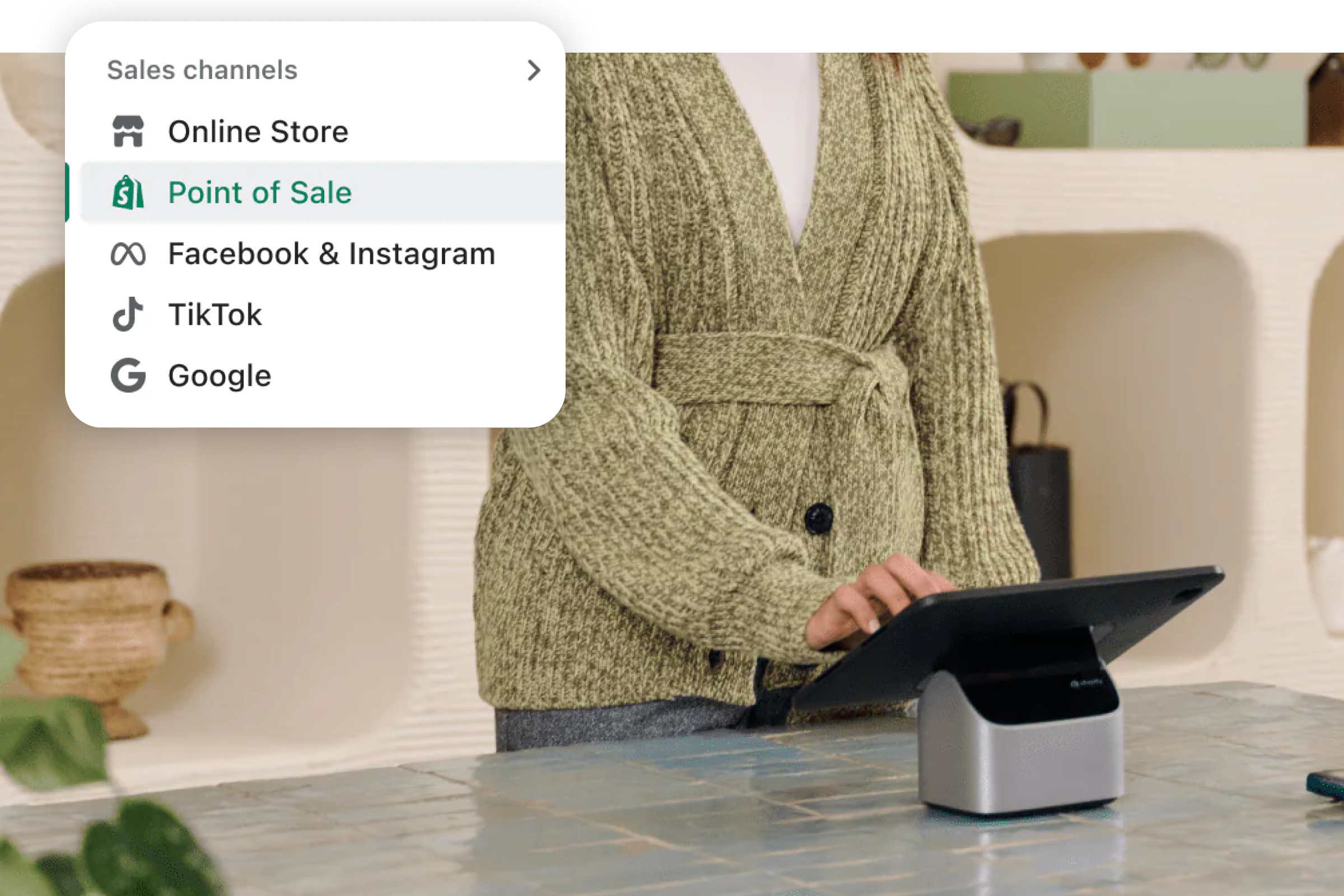
Until now, POS could only recognize shoppers who used Shop Pay. That changes this fall. When any Shopify Payments customer taps their card in store, POS can now recognize them, which puts their history in front of associates at the counter. Jess notes the feature will have limitations depending on the market.
It’s worth the setup. Shopify reports that a known in-store customer has 60%+ higher lifetime value.
Getting there takes two steps. Update to POS 11.17 or later, then confirm consent rules in every region where you sell. Retailers operating across several states or countries should plan extra time for that second step.
Also worth knowing: analytics that explain why numbers move
Shopify changed how it counts sessions on September 21, 2026. Smart bot filtering now keeps sessions focused on real shoppers, and visits without a page view now count. Treat that date as a new baseline whenever you compare sessions or conversion rate across periods.
Jess called this out as a watch-out because it directly affects conversion rate.
A set of new reporting tools makes the numbers easier to read and act on.
- Annotations. Add notes directly on reports so the whole team knows why a number moved, whether the cause was a promotion, a site change, or the September 21 sessions update.
- Map views. Zoom and pan across a bubble map of sales. Nearby locations cluster together, so regional demand stands out at a glance.
- Group by product attributes. Group and filter reports by category metafields, like color or material, to see which attributes drive sales.
- App data in one place. Apps can send their own events into Shopify Analytics, such as loyalty points redeemed or marketing email activity. You can build custom reports without exporting data.
More from the release, by area
The headliners get the attention, but plenty of smaller updates will save your team time. Here’s what stood out to us.
Sidekick
- Takes on bigger jobs, like building collections, theme edits, discount codes, and bulk product description changes
- Answers questions about payouts, chargebacks, and pricing
- Suggests store improvements and tests them on simulated shoppers with SimGym
Online store
- Shop sign-in can be added to any store, even one not on Shopify
- Smarter search suggestions appear as shoppers type, and add-to-carts from search are up 8%
- The Shopify Inbox agent recommends products, checks out from chat, and hands off to staff
Checkout
- Custom fields for delivery notes, gift messages, and more (rolling out soon)
- Payment methods shown as tiles instead of radio buttons (rolling out soon)
- More local payment methods, including Alipay, WeChat Pay, Satispay, Scalapay, and GrabPay
- Apple Pay in Chrome, Edge, and Firefox via QR code (coming soon)
Merchandising
- Product details can be tailored for each sales channel
- Collections support more flexible rules, with inclusions and exclusions working together
- Products and their variants can be edited on one page
- Digital downloads, like PDF guides, can be sold through Shopify’s own Digital Products app
Retail and POS
- Carts are saved across devices, so any associate can finish the sale
- Staff can pull up a known customer’s abandoned online cart
- Scheduled stock counts, sales tracked by associate, and a POS activity log for refunds and discounts
- AI agents can send shoppers to your nearest store
International
- Managed Markets offers all-in prices with guaranteed duties and taxes, plus flat-rate shipping
- Brands saw 50% higher international conversion with Managed Markets
- Shipping options can be set per market
Operations
- A refreshed admin with Sidekick on every page (rolling out soon)
- Folders in the Files section make assets easier to find
- New Flow automations trigger when prices, tags, or product details change
- A filterable log of store changes by staff member, app, or service (coming soon)
Shop
- Universal checkout lets shoppers buy from several brands in one cart
- Carts transfer from the Shop app to your store when the customer is logged in and known
- The Shop Promise badge helps drive conversion for stores that meet Shopify’s standards
Key dates to know
| Date | What changes | What to do |
|---|---|---|
| July 1, 2027 | Every store moves to market-based shipping. Shipping options inside each market replace shipping profiles. The rollout started Oct 1, 2026. | Review shipping setup market by market before the deadline. |
| Jan 15, 2027 | The Shopify Knowledge Base app shuts down. The knowledge base in the admin replaces it. | Publish and review your knowledge base in the admin now. |
| Sept 21, 2026 | Sessions are counted differently. Bots are filtered and visits without a page view now count. | Treat this date as a new baseline for sessions and conversion rate. |
One to watch: Canvas
Canvas is a new AI-assisted design surface in early access. Merchants build and design with Sidekick in an interface that looks a lot like Figma, and it renders the real code behind the store.
Jess’s take is that it isn’t really usable today. It doesn’t work with apps or on mobile yet. Still, it lets a merchant design a full site, so she recommends everyone check it out to understand what Shopify is building. We’re watching how it fits with the way we build and hand off themes, and we’ll share guidance as it matures.
Put Fall ’26 to work
Jess recommends taking a few minutes to run through the full Fall ’26 Edition, which covers every update by area at shopify.com/editions/fall2026.
CQL clients can reach out to their project manager or customer success manager with questions about any of these updates. For product-specific questions, Shopify Support can help too. Not a CQL client yet? As a Shopify Diamond Partner, our team helps enterprise brands turn releases like this one into results. Let’s talk.